

Make it look like you
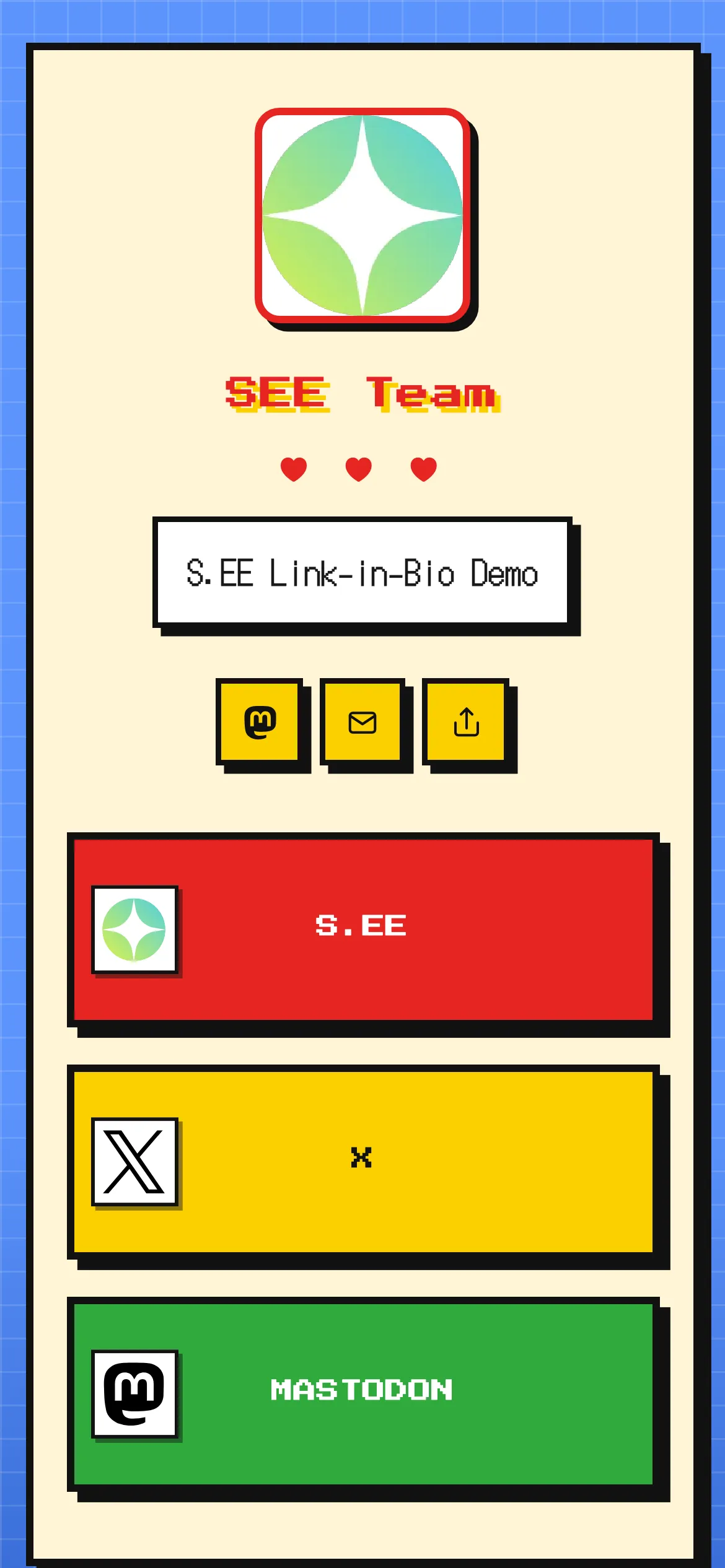
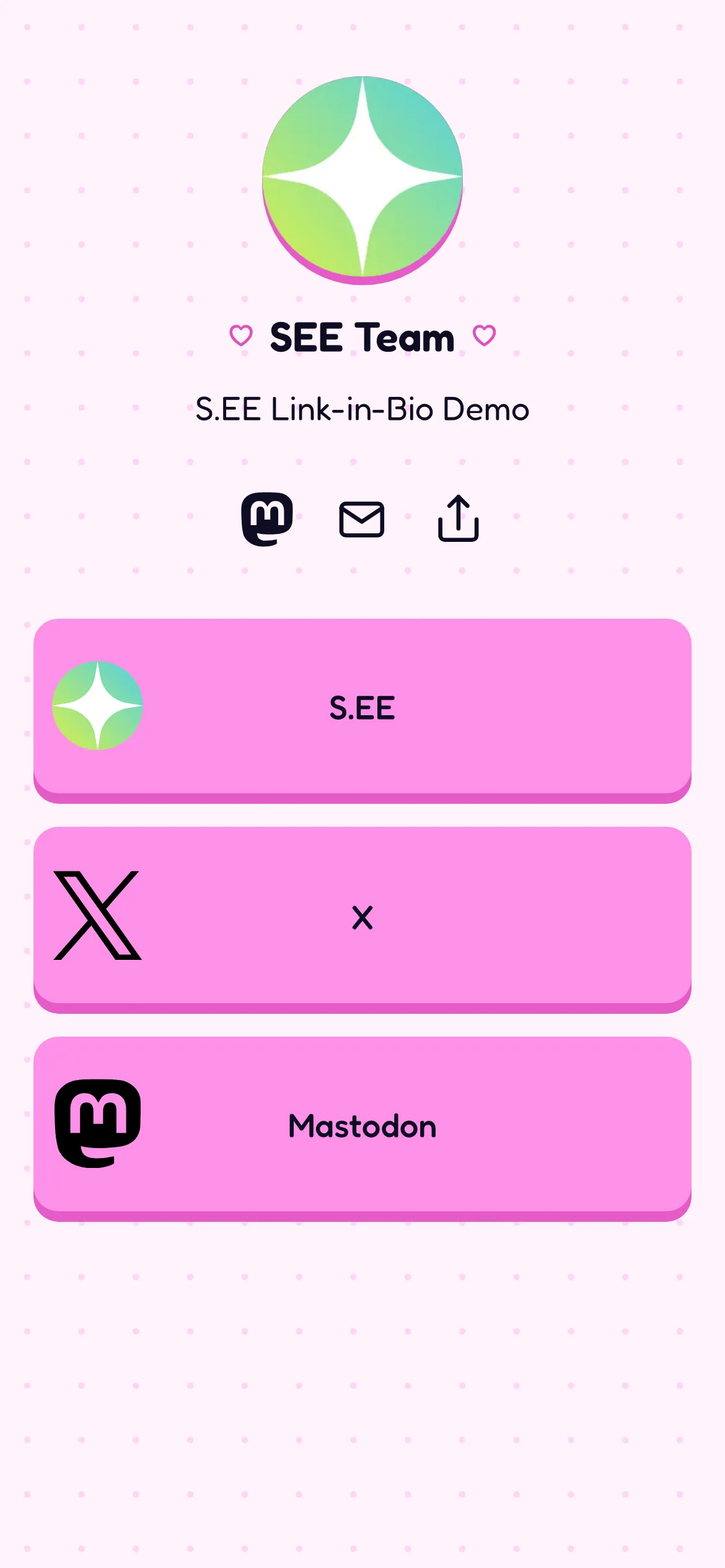
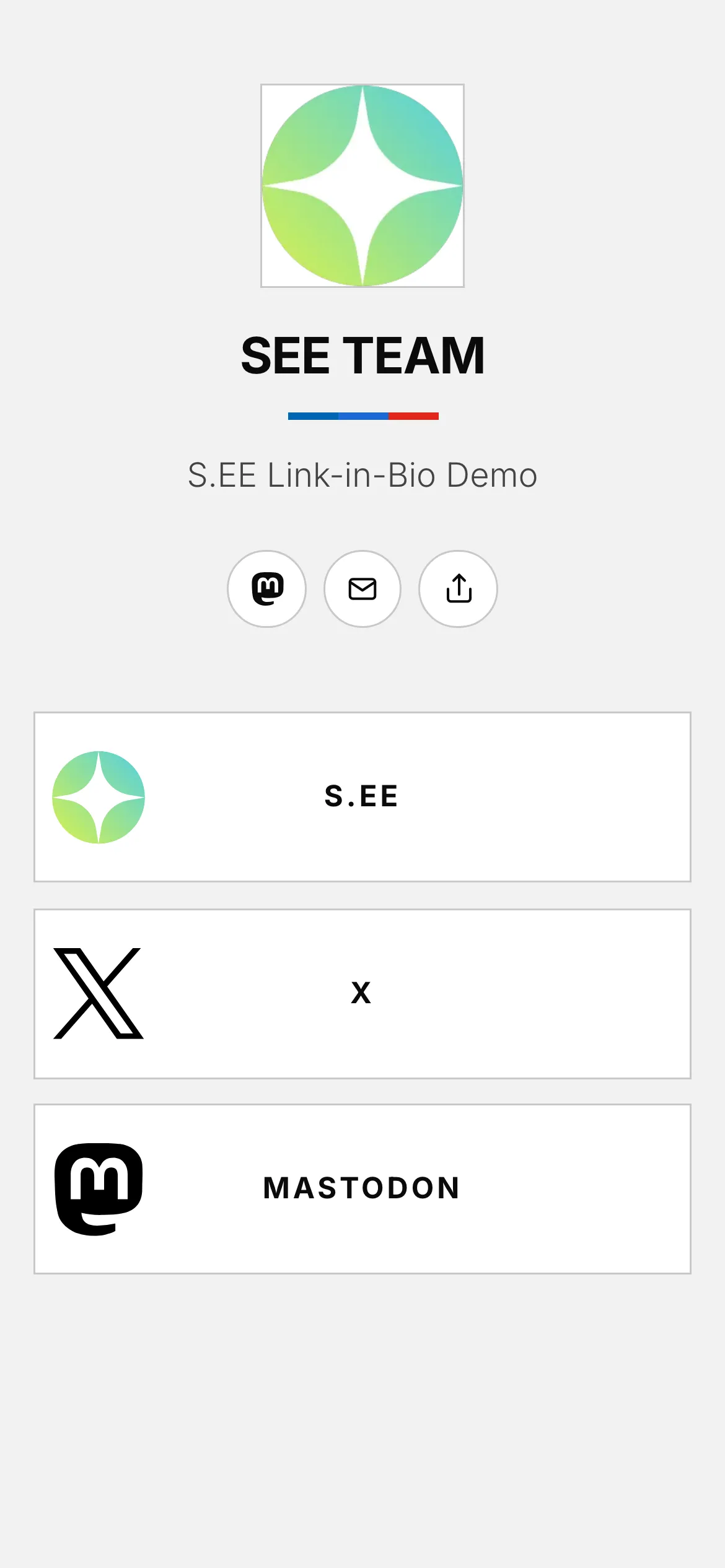
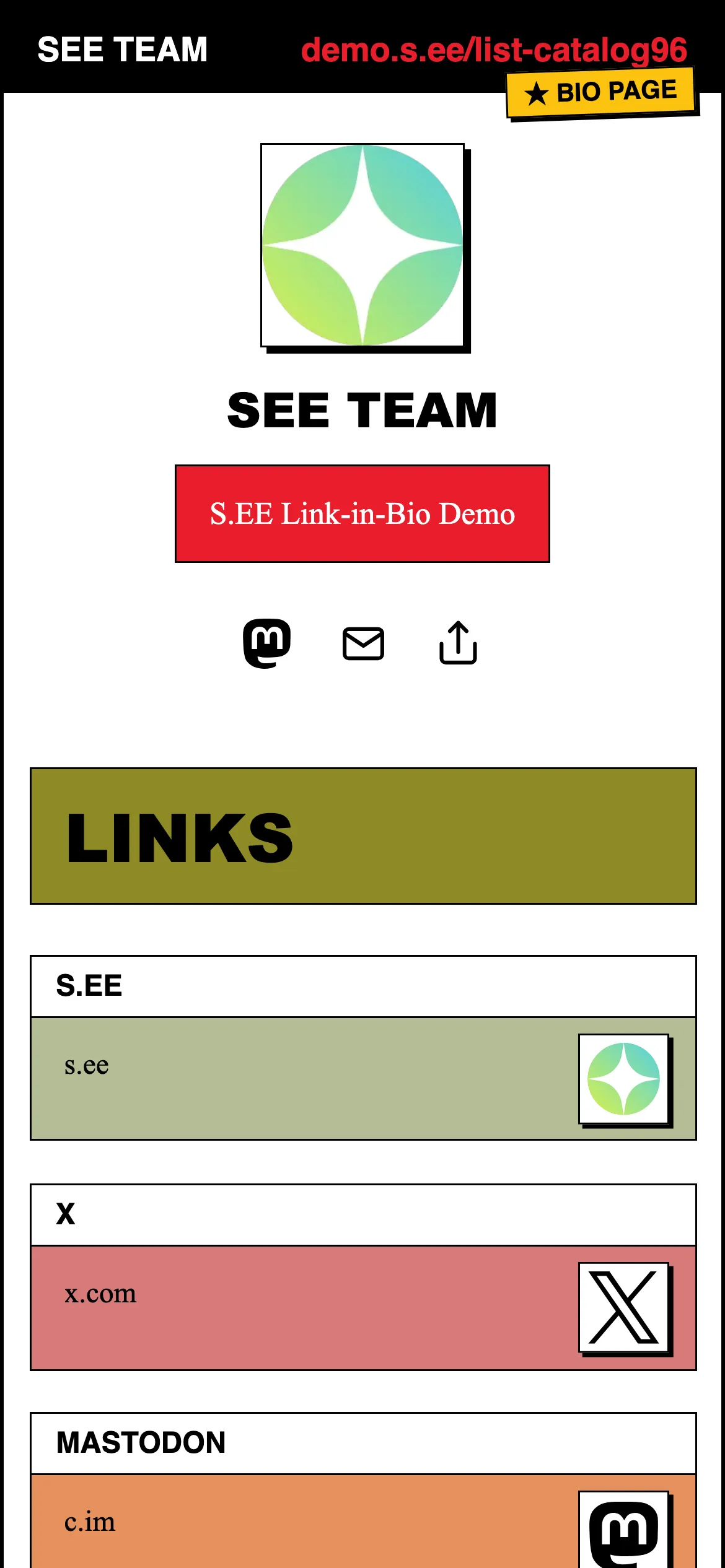
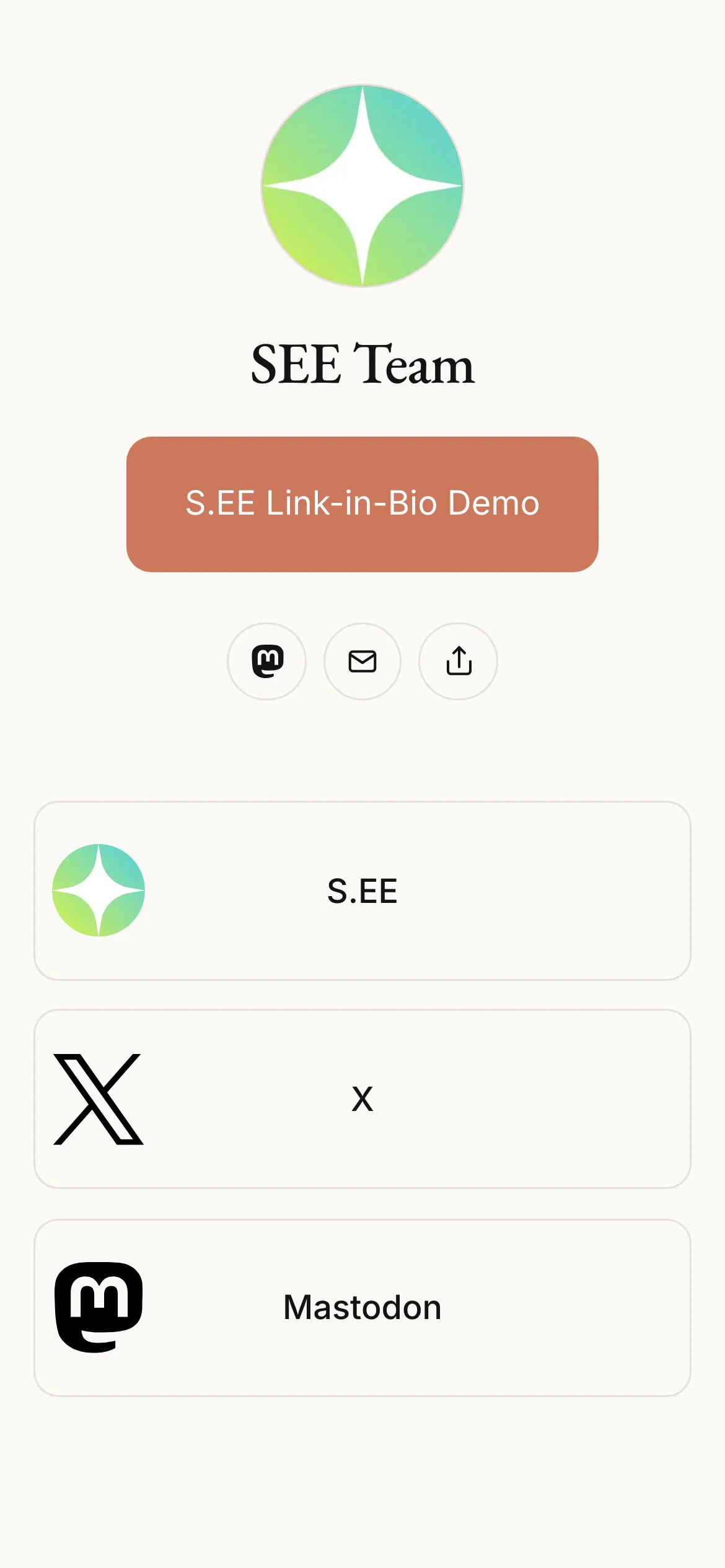
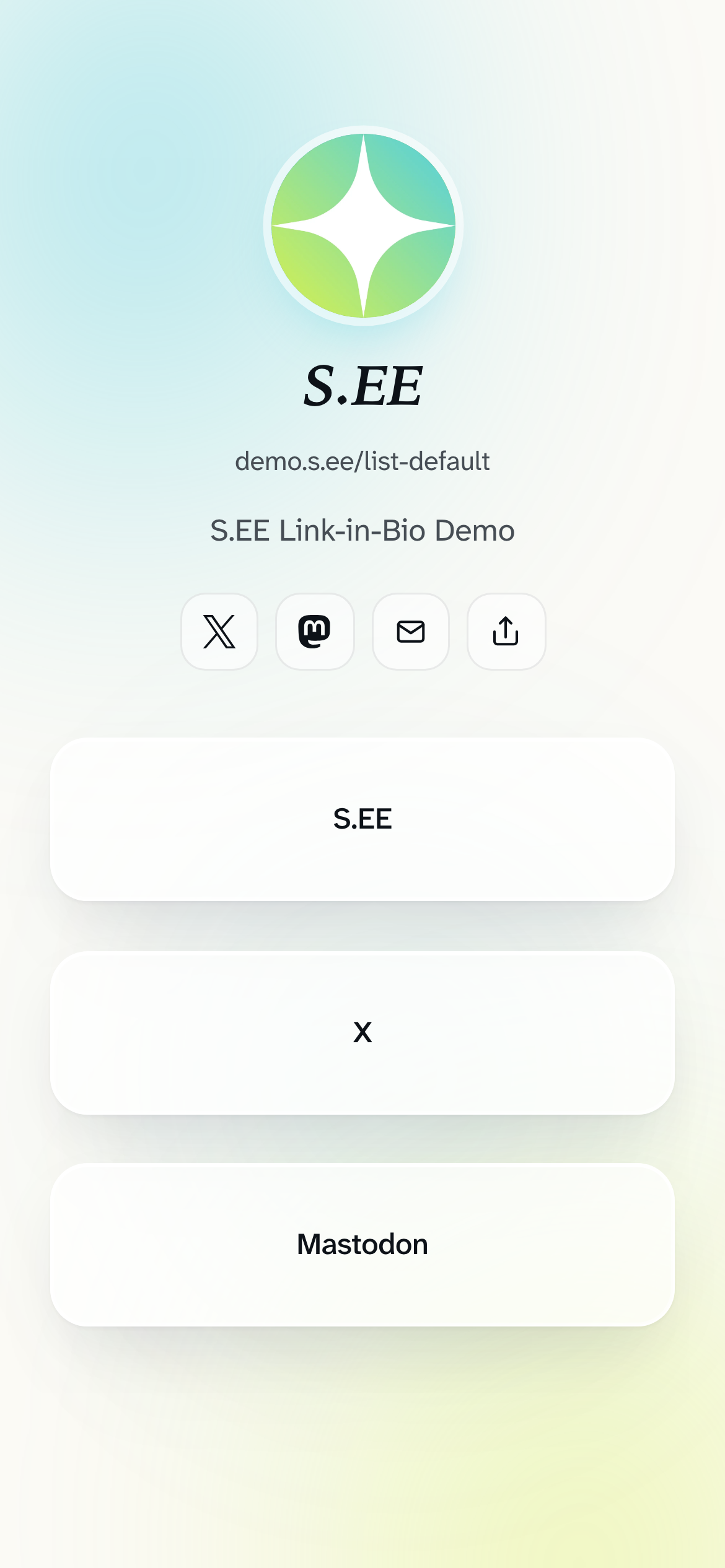
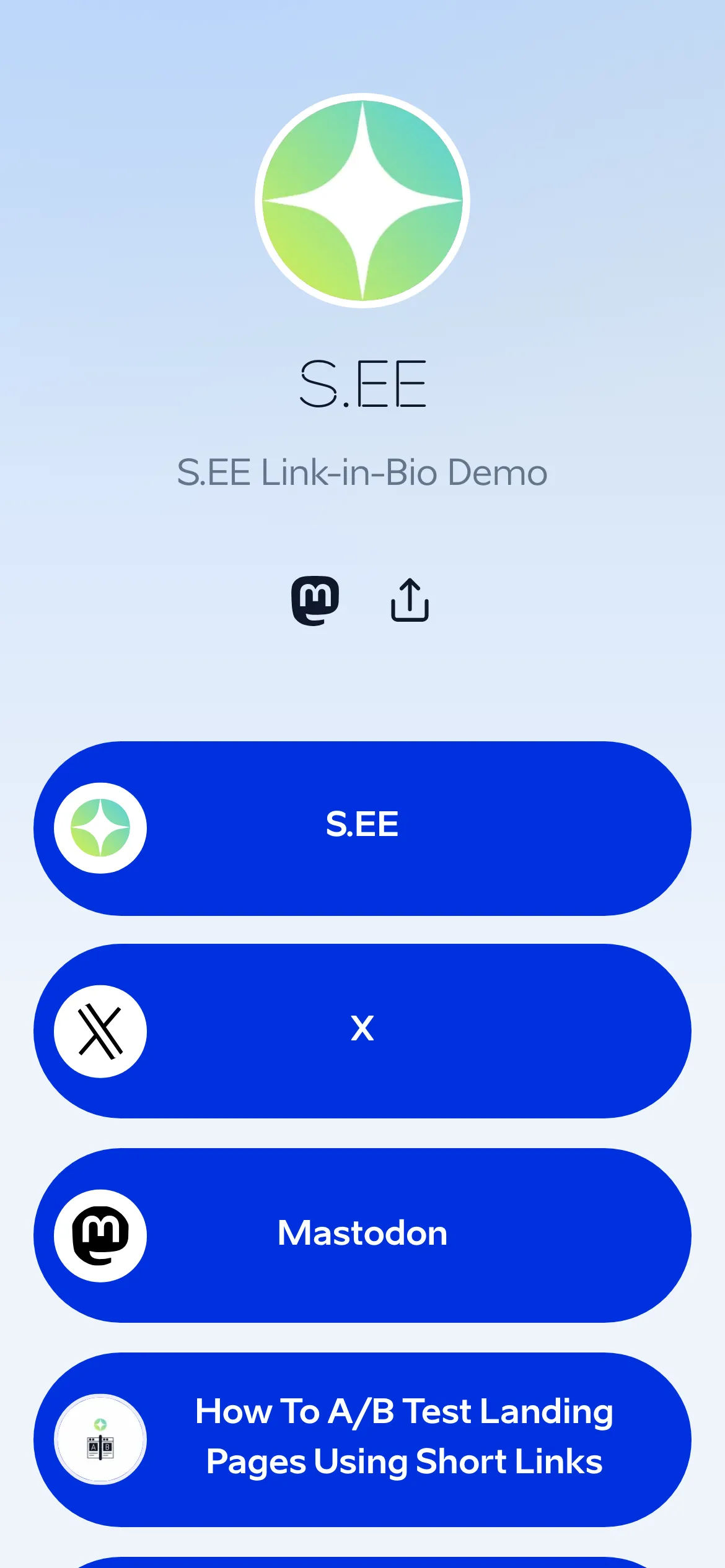
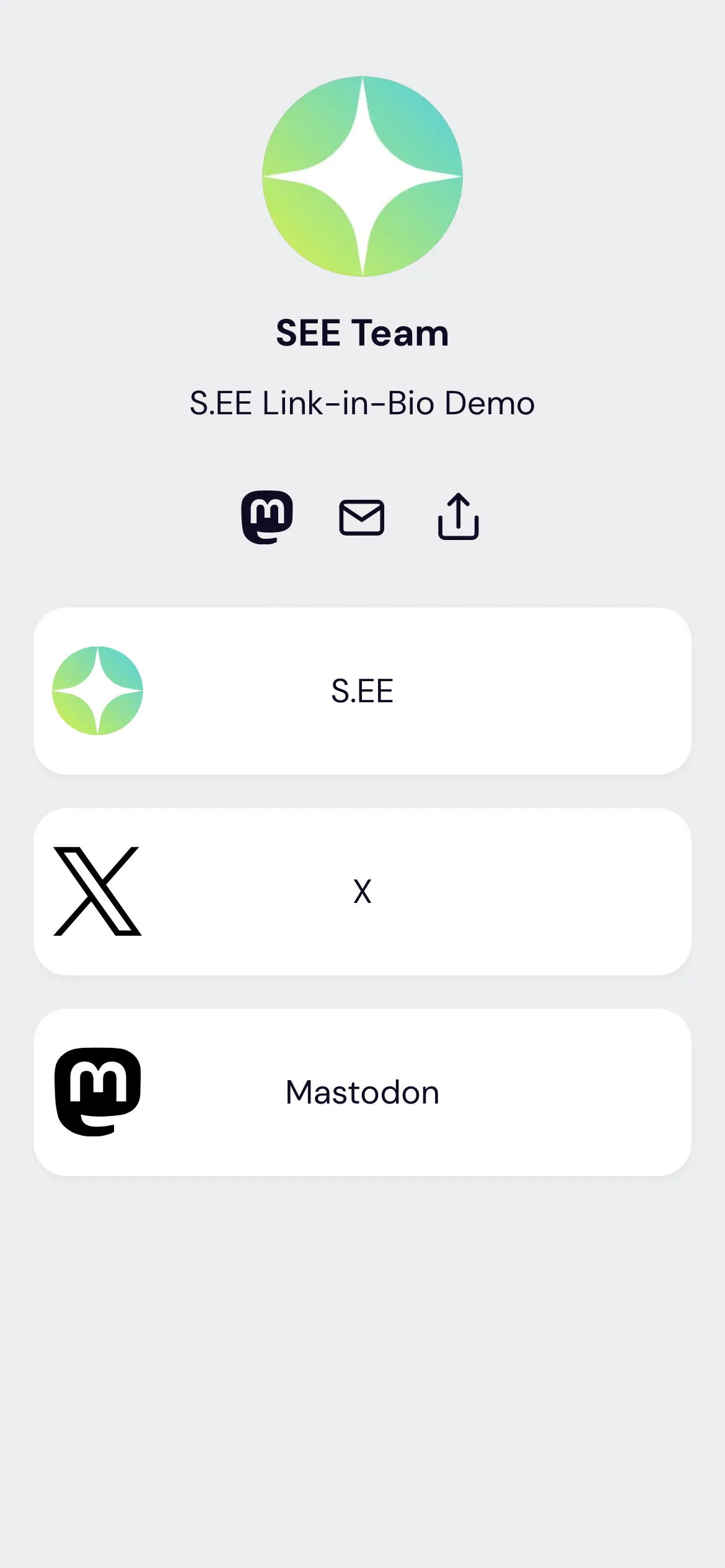
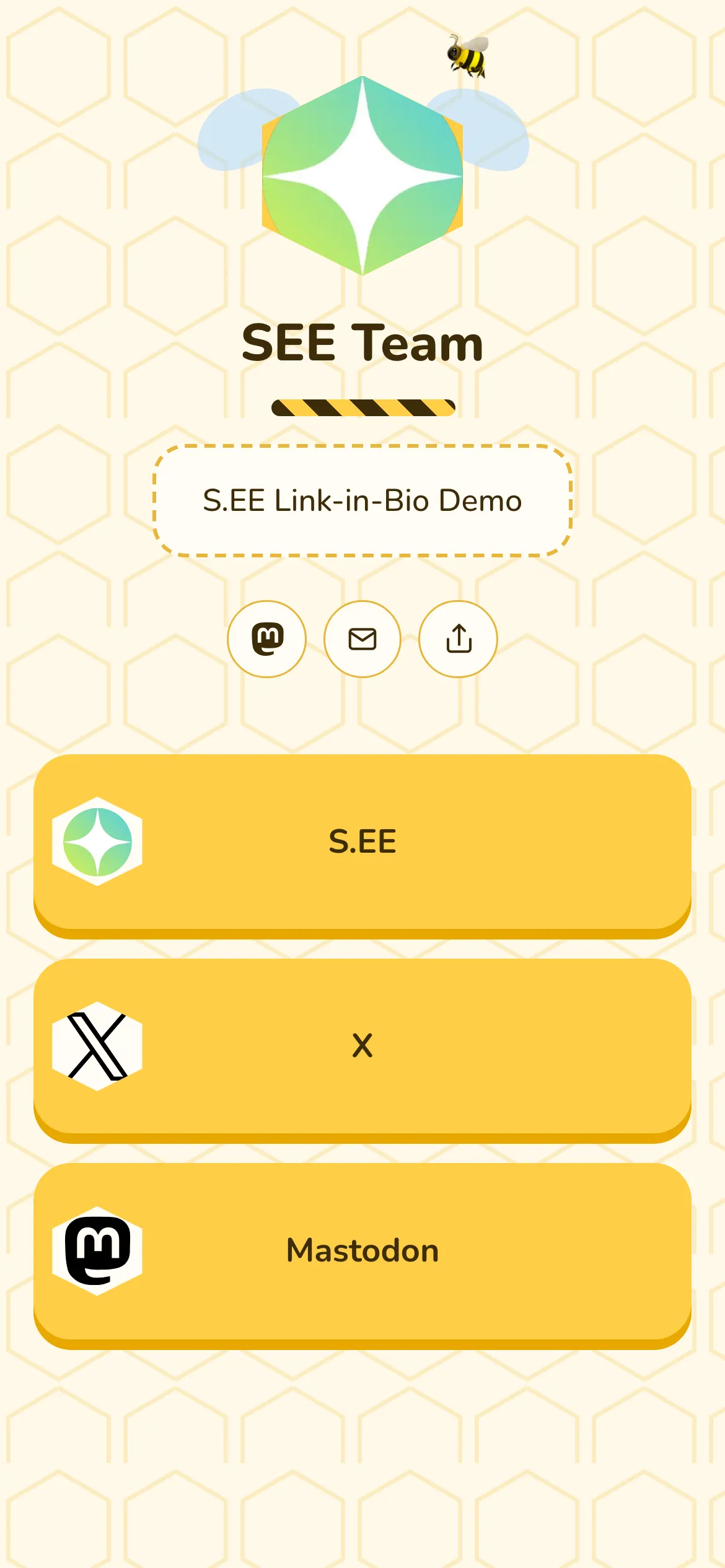
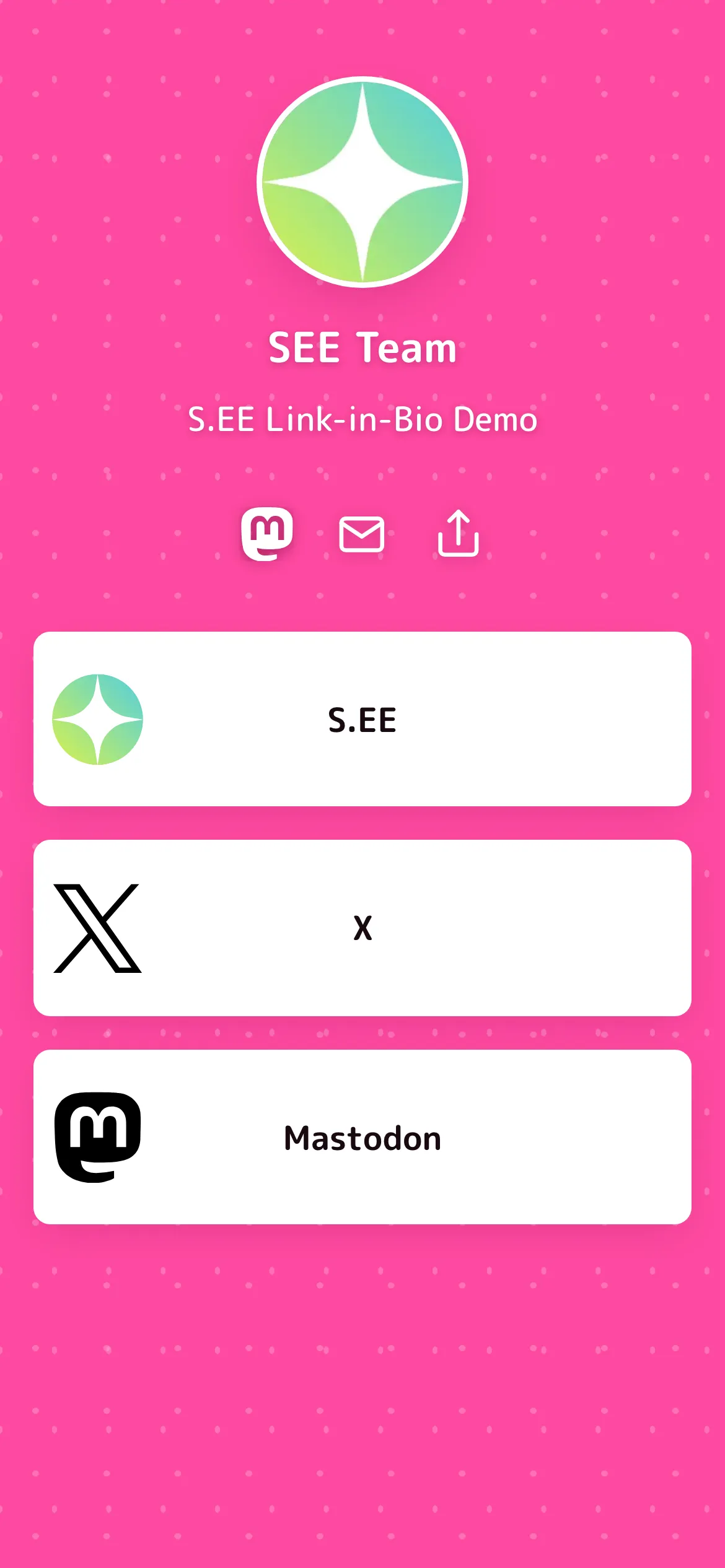
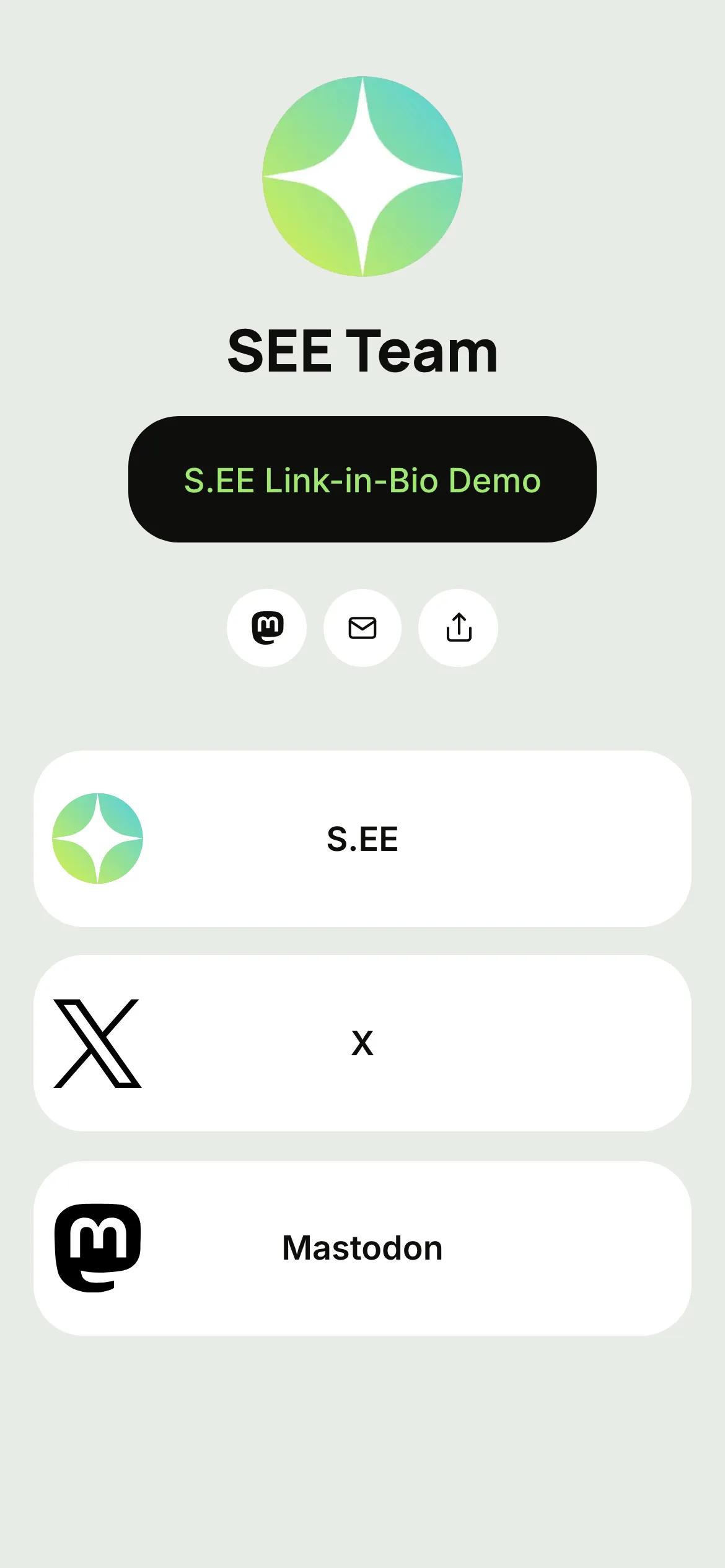
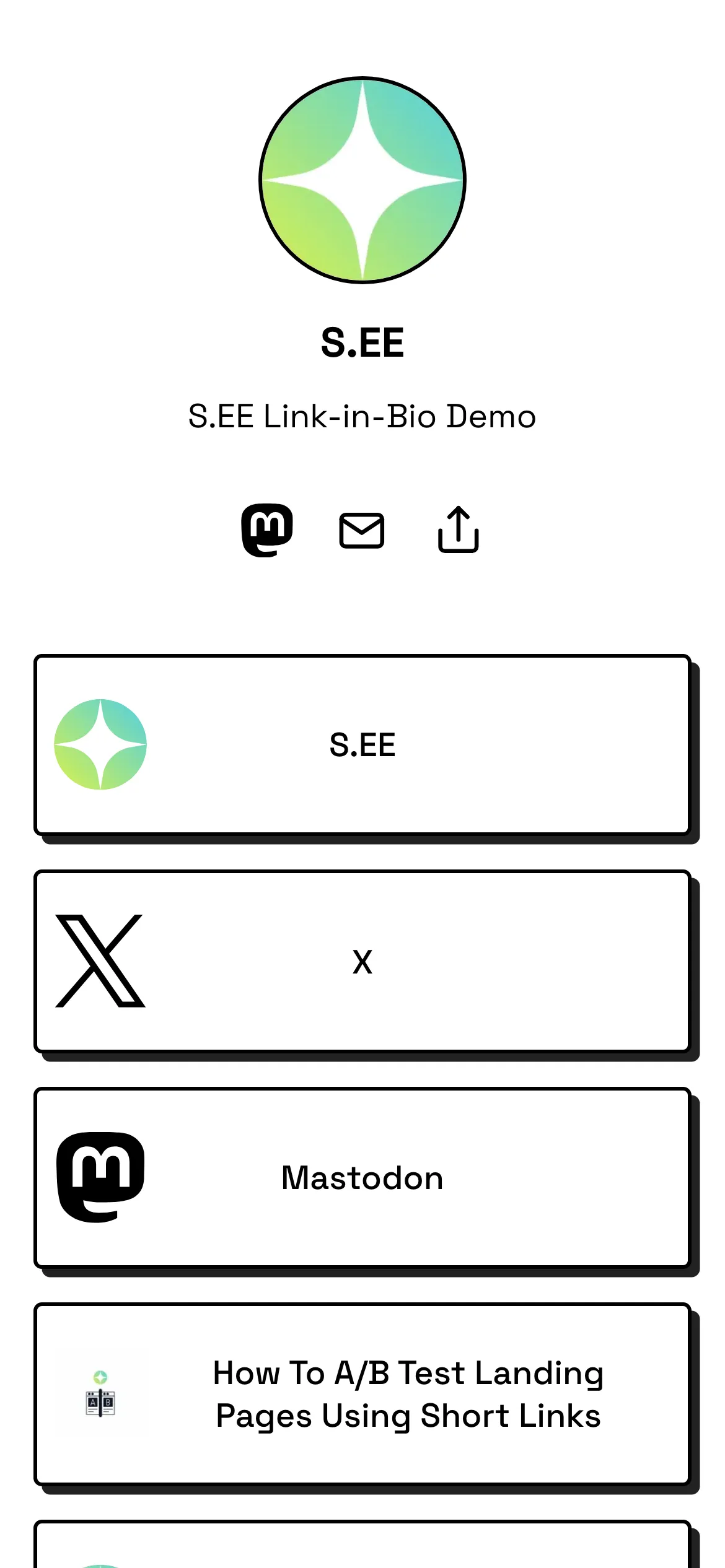
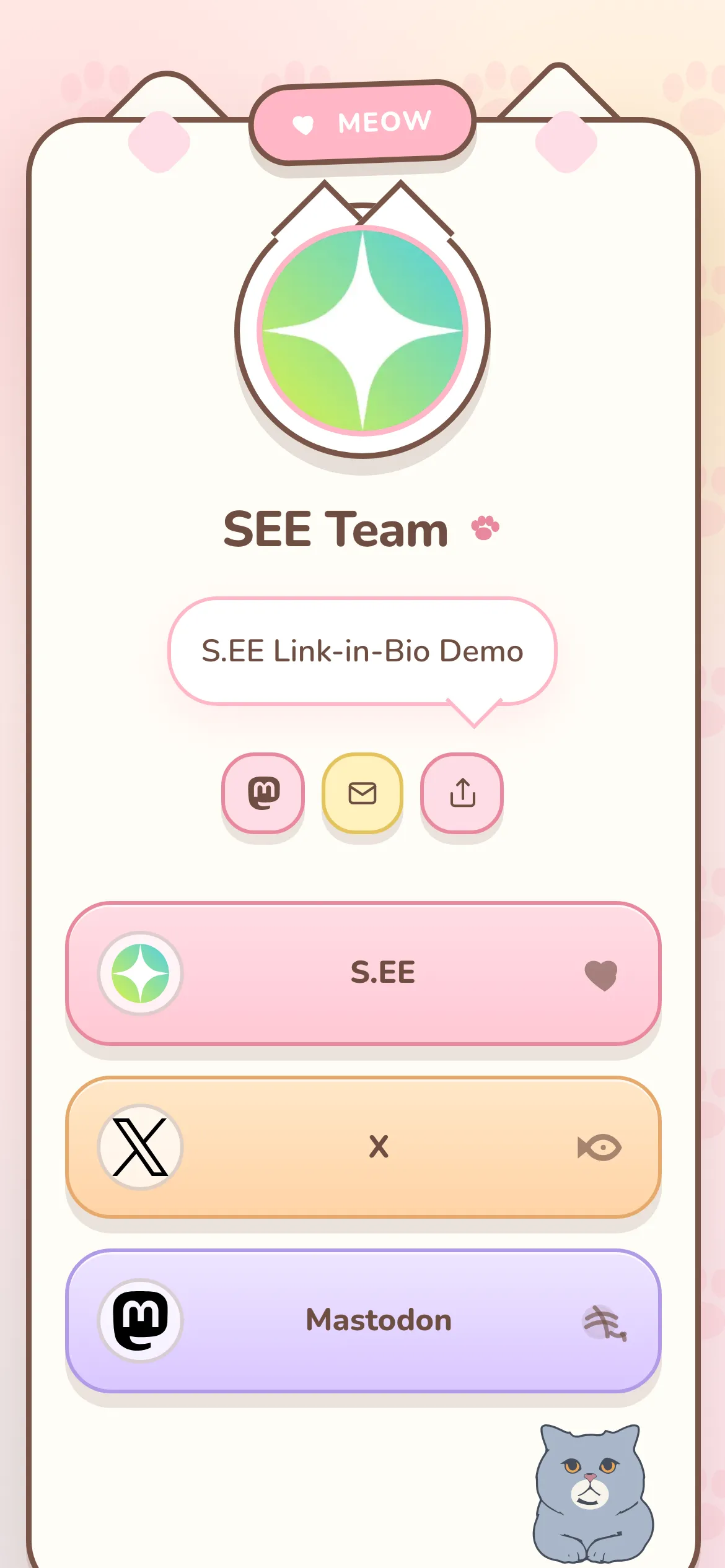
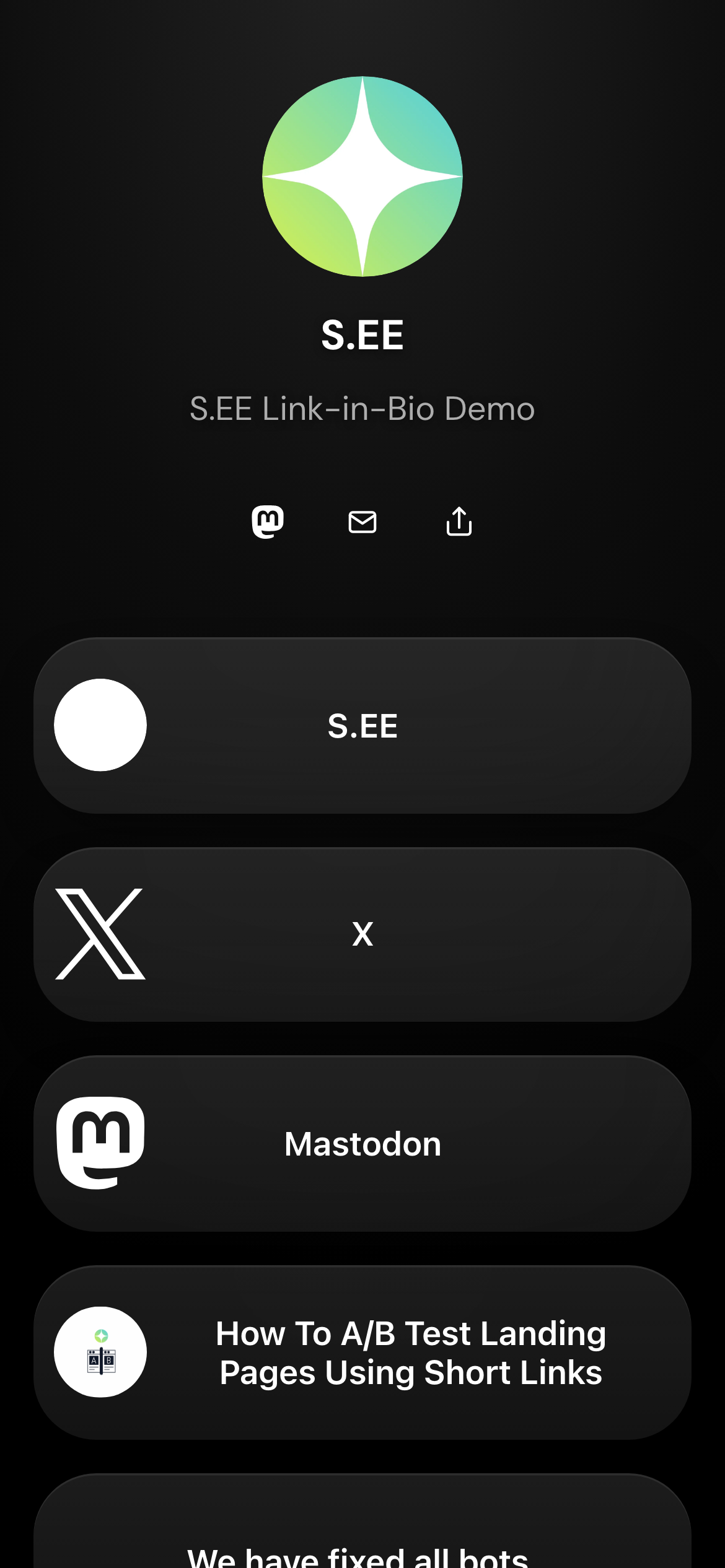
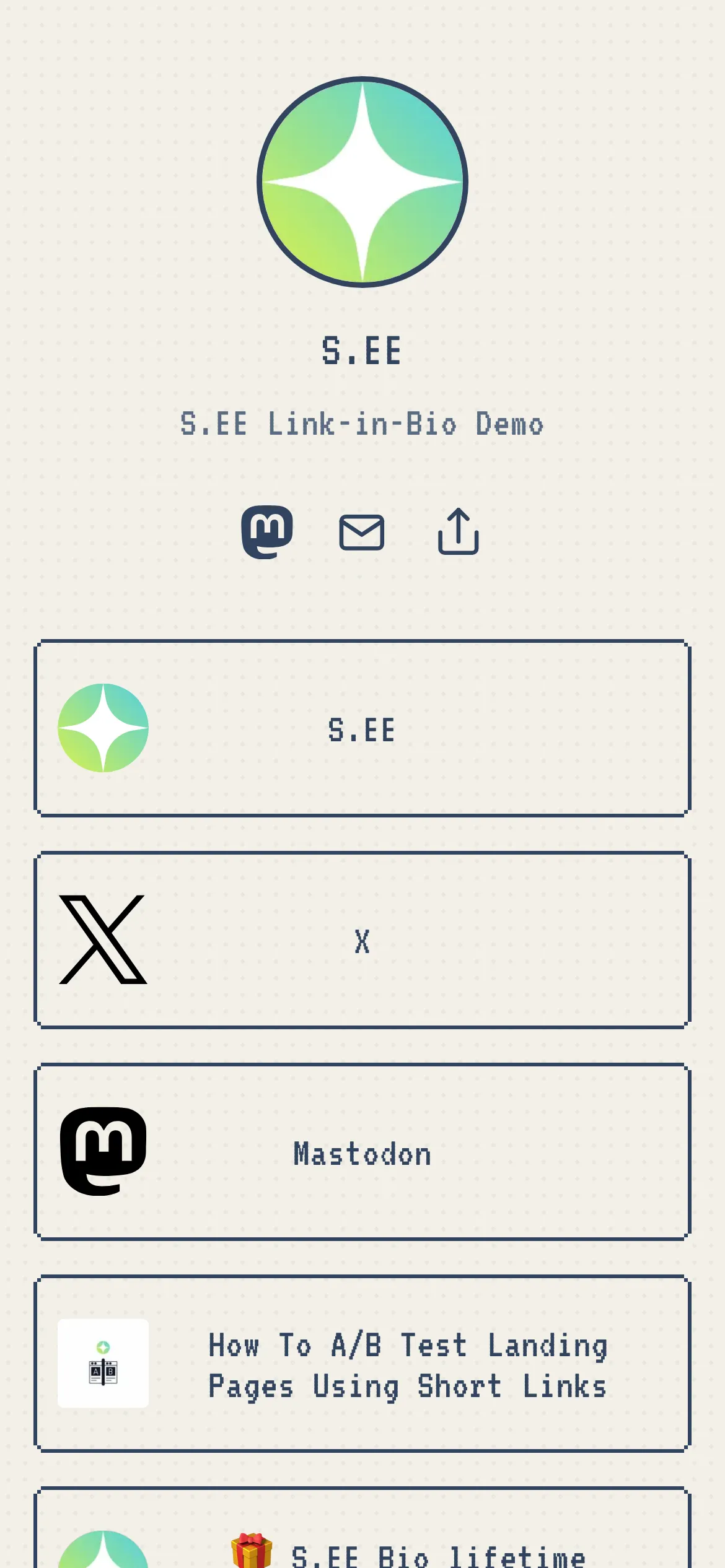
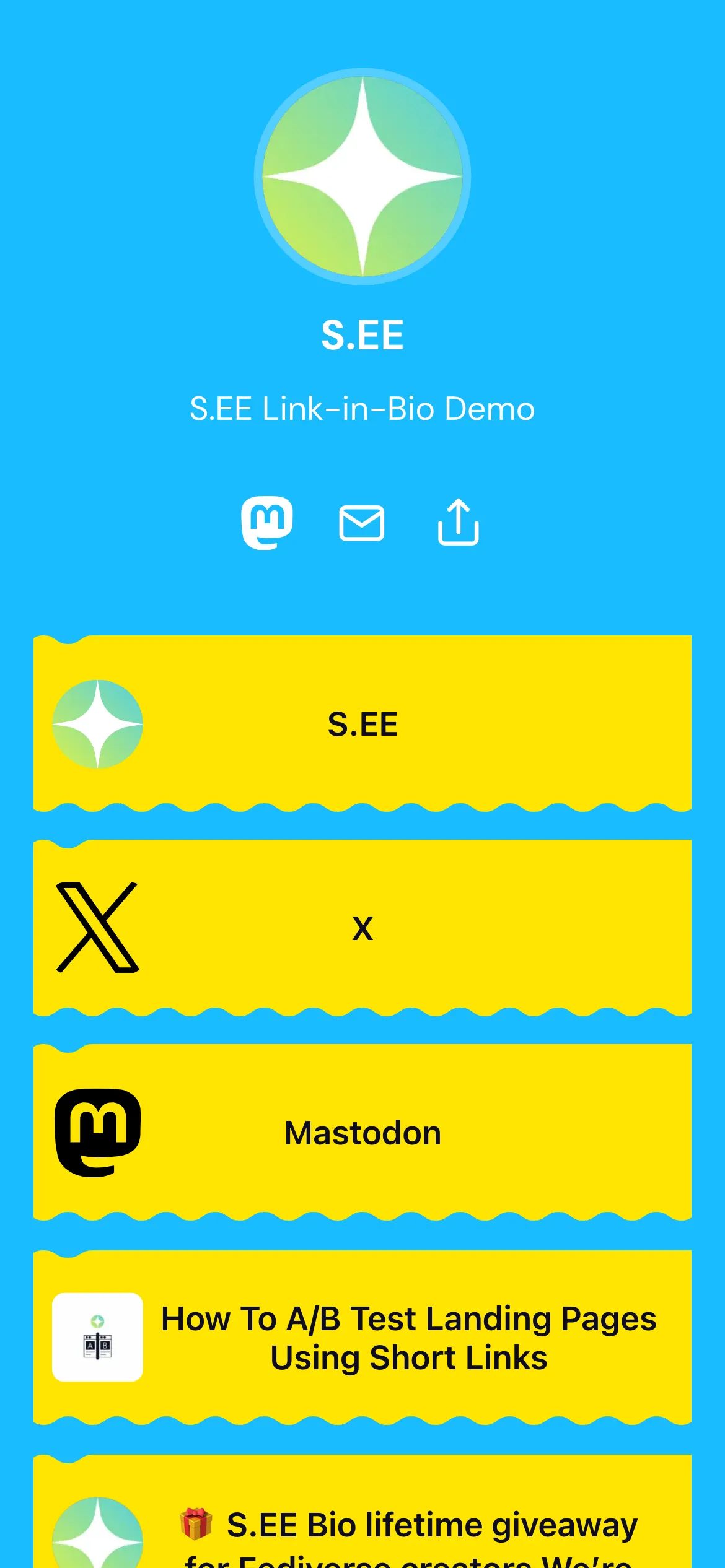
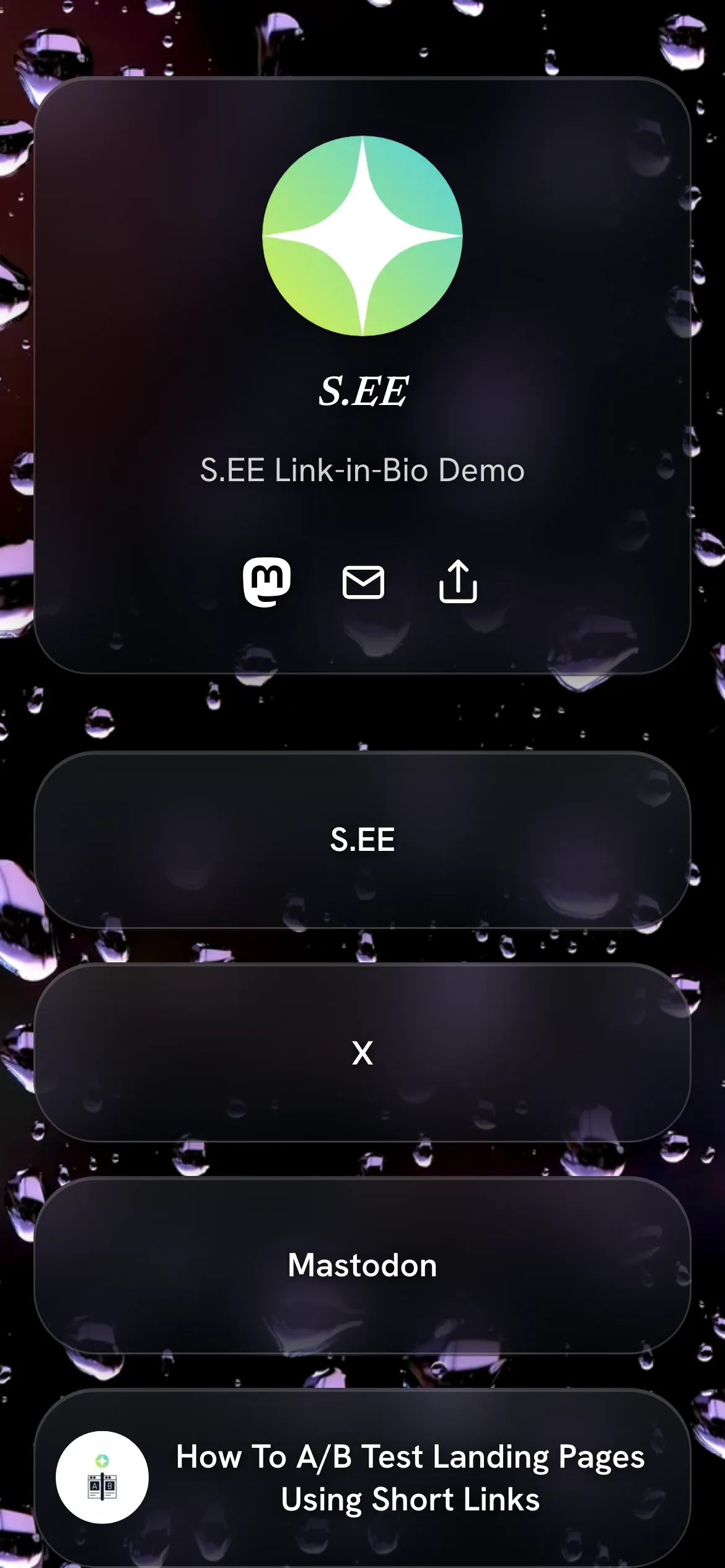
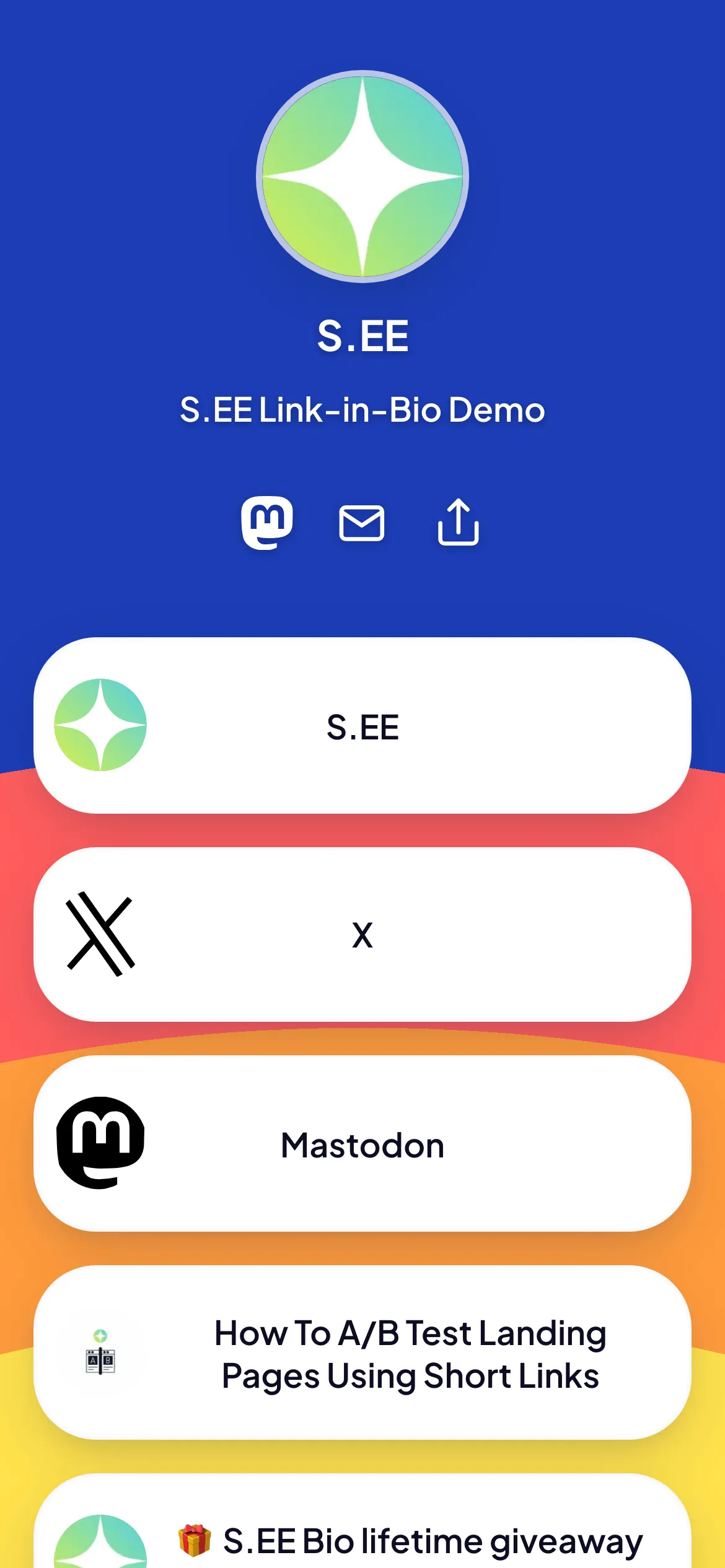
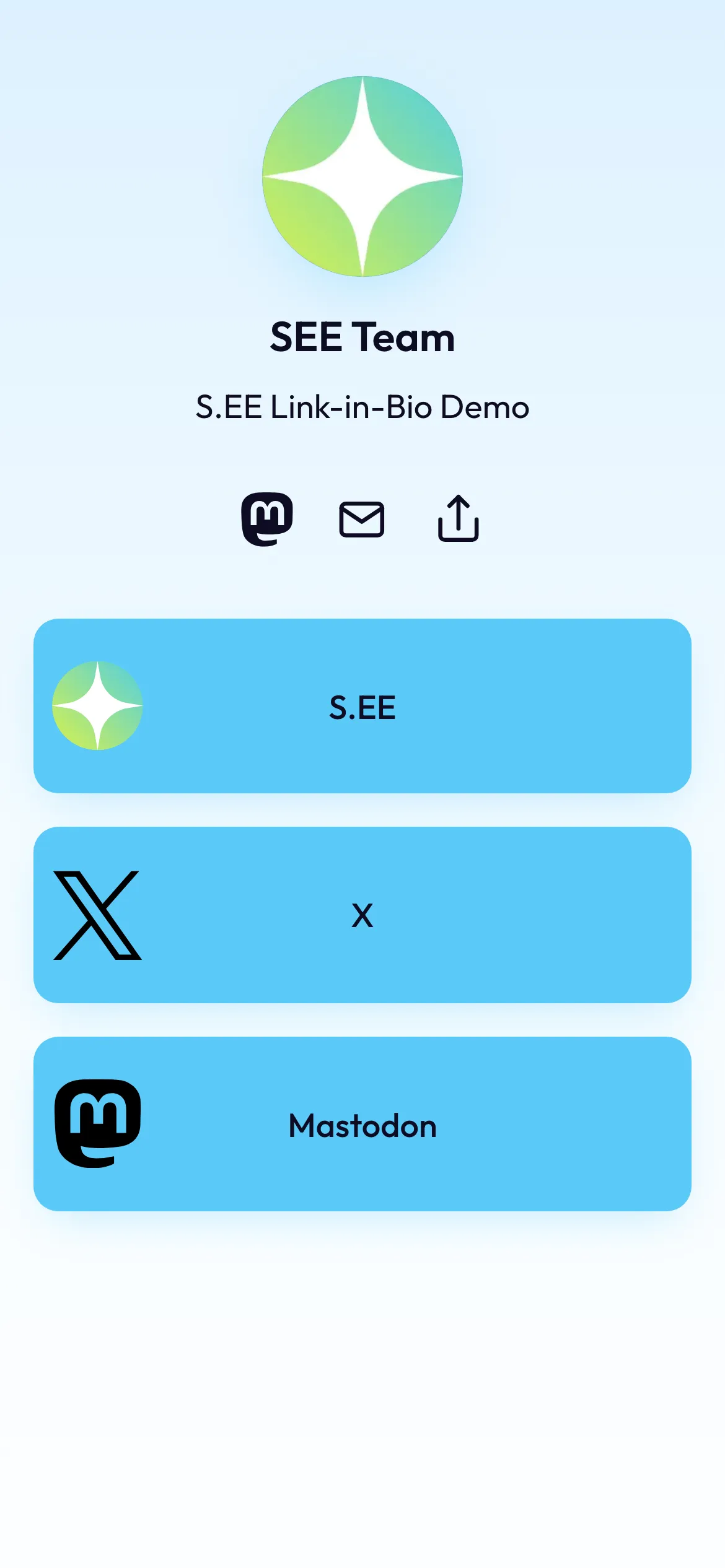
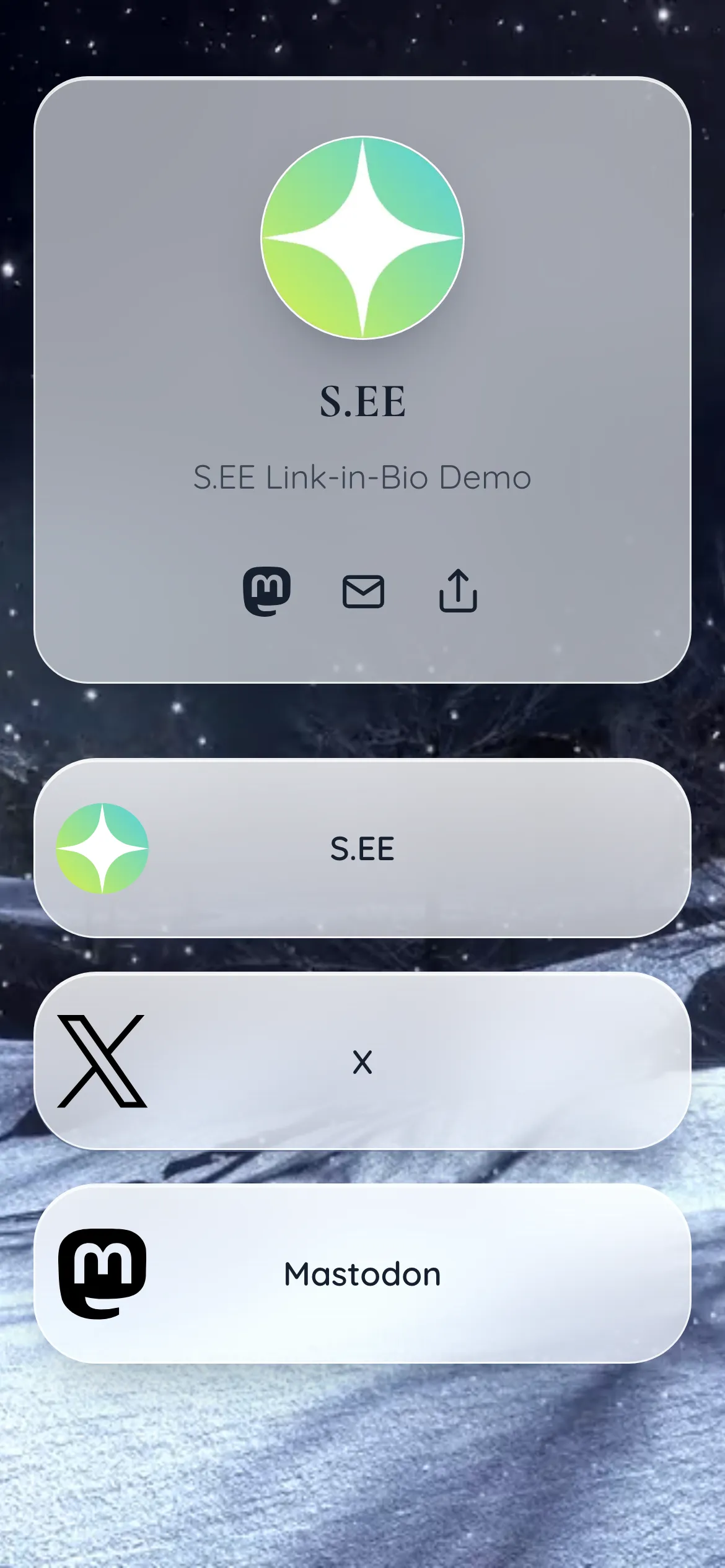
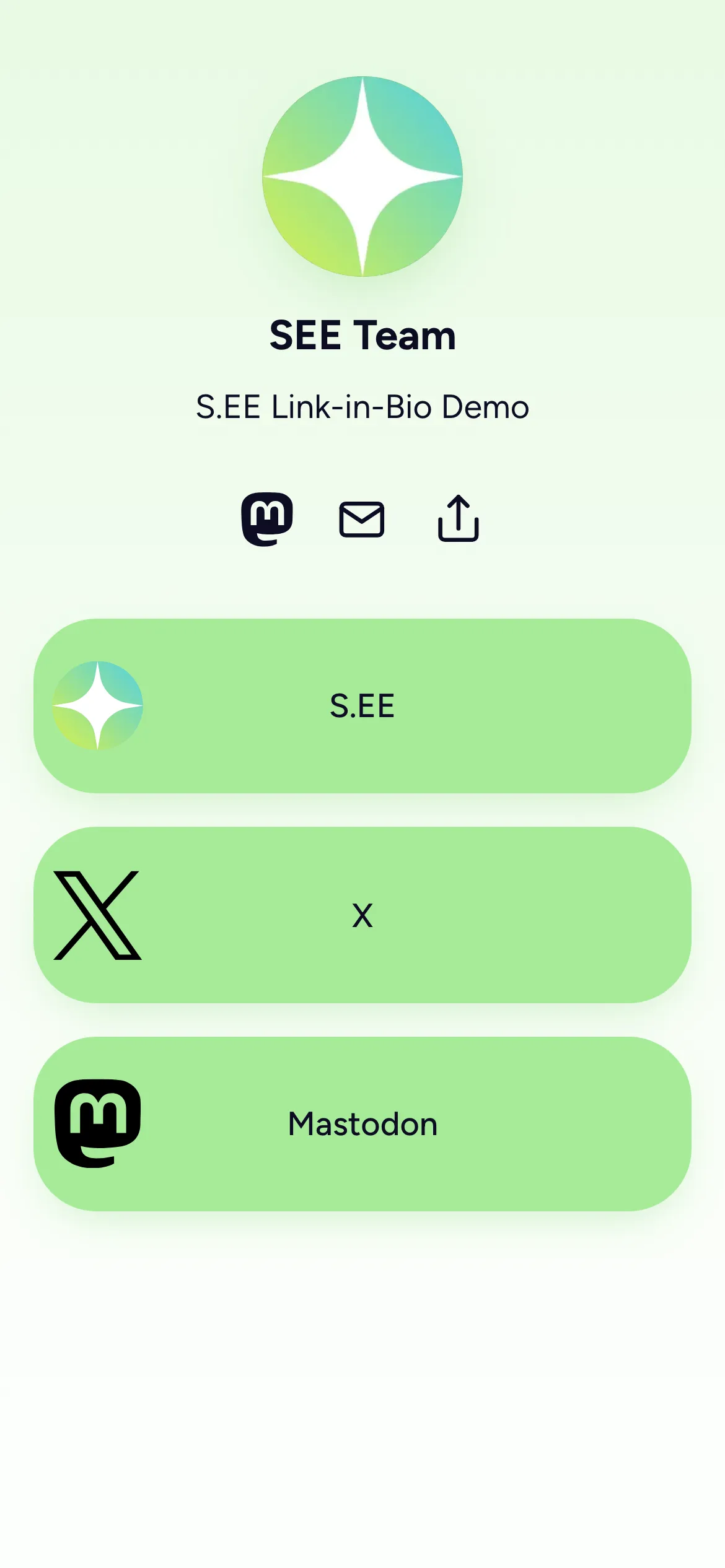
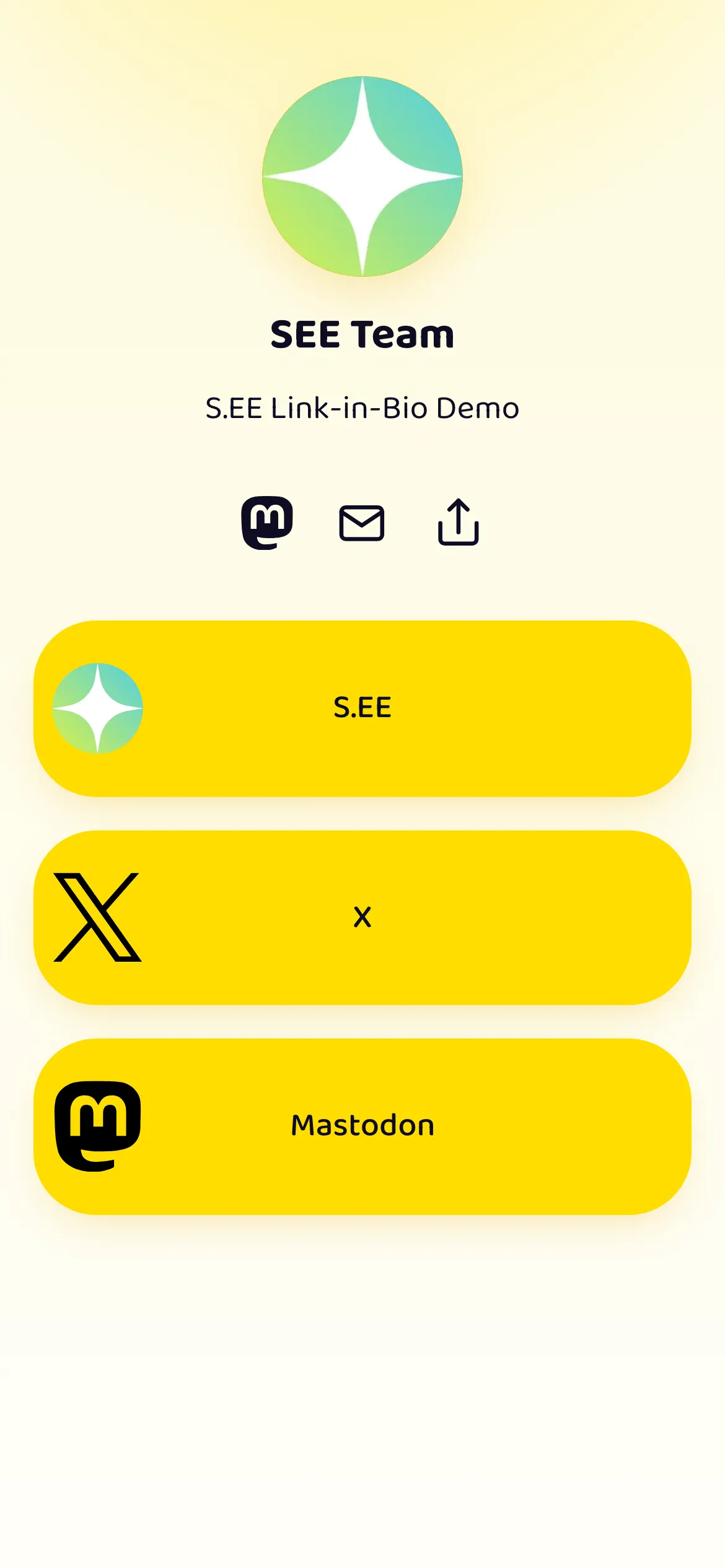
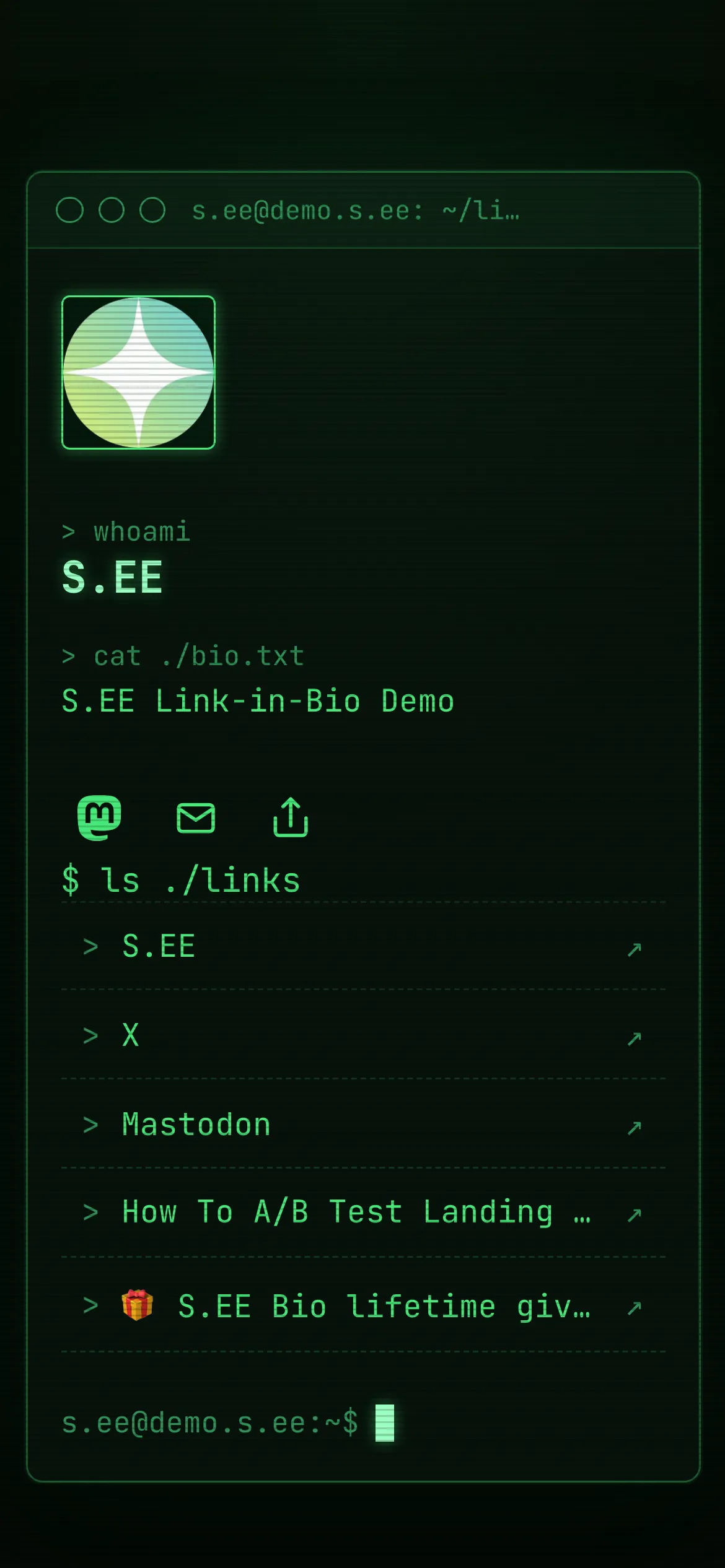
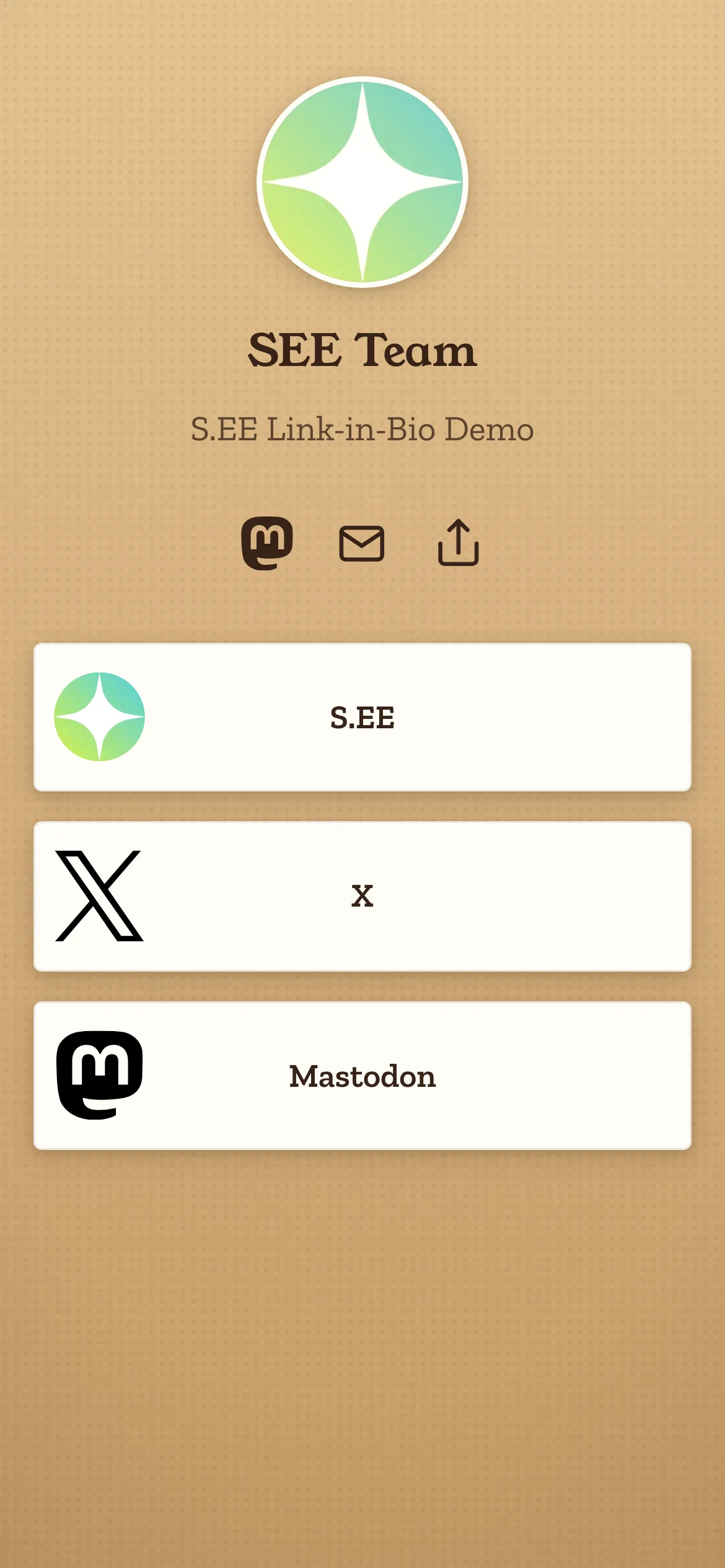
A few favorites from the theme gallery — tap any card to open its live demo.
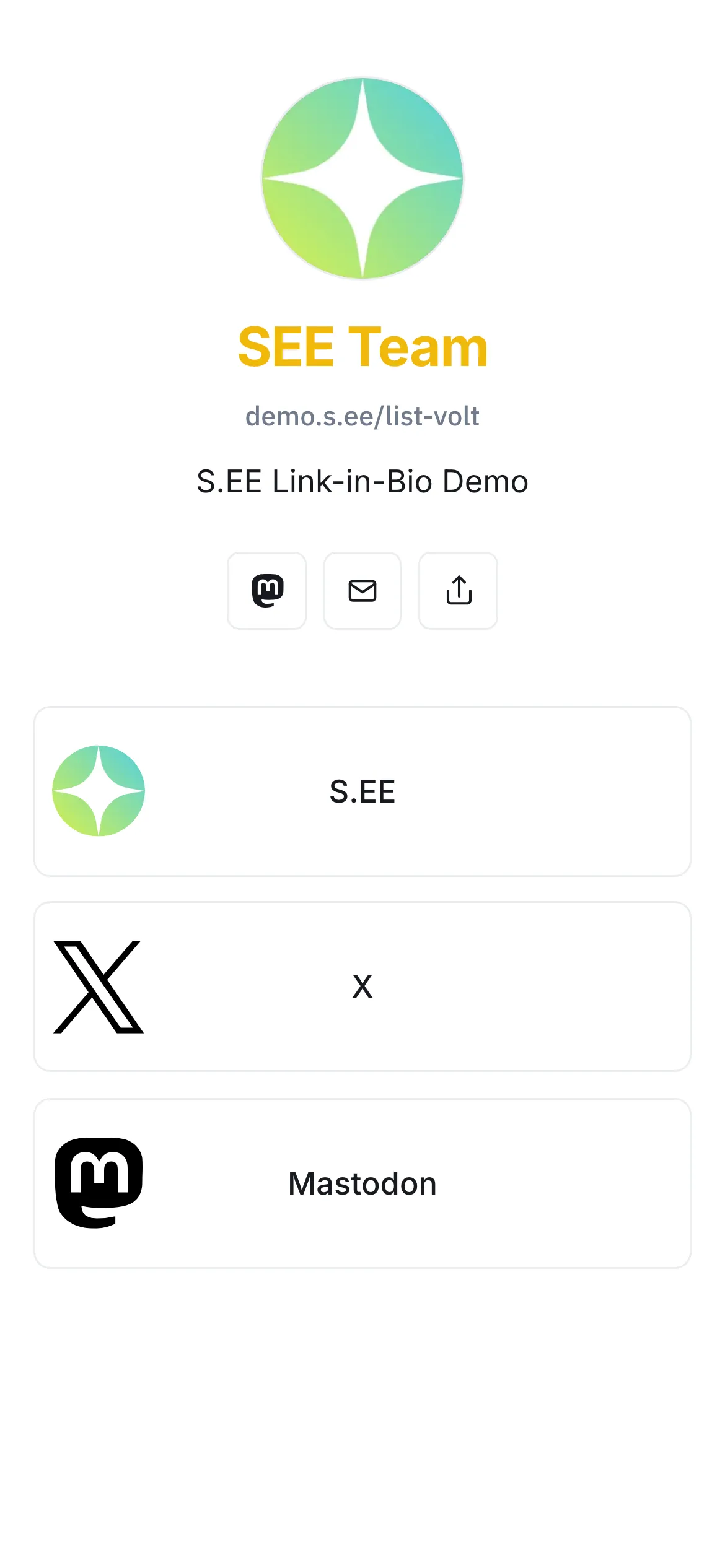

What is a Link in Bio page?
A link-in-bio page is a single landing page for the links you share across social platforms: your latest video, shop, newsletter, portfolio, and more. You put one URL in every bio.
What a typical bio looks like:
Latest video → youtube.com/@you / Shop → shop.example.com / Newsletter → newsletter.example.comWith S.EE Link in Bio:
s.ee/you or example.comOne link replaces the list. Visitors tap once and see everything; you see which links they followed.
Who it's for
Anyone with more than one link to share. A few common cases:
Creators & influencers
Promote a new video, drop, or collab without rewriting your bio. Pin what's featured, hide what's not.
Musicians & artists
Link every streaming platform from one page: Spotify, Apple Music, YouTube, merch. Visitors choose what they prefer.
Small business & shops
Put your store, menu, booking link, and reviews in one tap. Update it in seconds when your hours or menu change.
Podcasters & newsletters
Bring platform subscribe links, latest episodes, sponsor pages, and your newsletter together on one page.
Why build your bio page on S.EE
Run your bio on your own domain, with the same analytics and dashboard as the rest of your short links.
Host your bio page at example.com or bio.example.com instead of a third-party URL with someone else’s branding. TLS is provisioned automatically.
Quick to set up
Pick a handle, add a photo, paste in your links. No template configuration, no CSS to write.
See which links visitors tap, where they came from, and what device they used. The same dashboard as your short link analytics.
20+ themes, two layouts
Pick from over 20 themes in list and grid layouts. Preview them live and switch anytime — your links stay put.
Live content from your platforms
Grid layouts pull in your latest GitHub repositories, Mastodon and X posts, videos, and RSS items — your page stays current as you publish.
Works with your team
Create bio pages in a team workspace, or transfer your page to a team so everyone can manage links and content together.
How to build your Link in Bio page
Three steps to a live page on your own domain.
Pick a handle or connect a domain
Use s.ee/yourname, or connect a custom domain like example.com or bio.example.com for a branded bio page.
Add your links
Paste in the links that matter: socials, shop, latest video, newsletter. Drag to reorder, hide what isn't active, pin what is.
Share it and watch the taps
Put the bio link in every social profile. Taps show up in your dashboard alongside the rest of your link analytics.


Built on the same engine as your short links
S.EE Link in Bio runs on the same infrastructure as the rest of S.EE. Bio page taps show up in the same analytics dashboard as your short link clicks — one place for everything you share.
Frequently asked questions
What to know before you build your bio page.
What is a link-in-bio page?
A link-in-bio page is a single URL you put in your social profile bio. It opens a page with your other links, such as your latest video, shop, newsletter, and more.
Is S.EE Link in Bio free?
Link in Bio is available on paid plans. See our pricing page for what each plan includes.
Can I use my own domain?
Yes. Connect a custom domain and your bio page lives at example.com or bio.example.com with no S.EE branding in the URL.
What analytics do I get?
Each tap shows up in Link Analytics: total taps, top links, geography, device, and referrer. The same dashboard as your short link clicks.
Can I customize how my bio page looks?
Yes. Pick a theme, upload a photo, set accent colors, and reorder, hide, or pin individual links.
Can my page show my latest posts automatically?
Yes — with a grid layout theme. Connect your GitHub, Mastodon, X, videos, or an RSS feed, and your bio page pulls in your latest content as you publish. List layout themes show your links only.